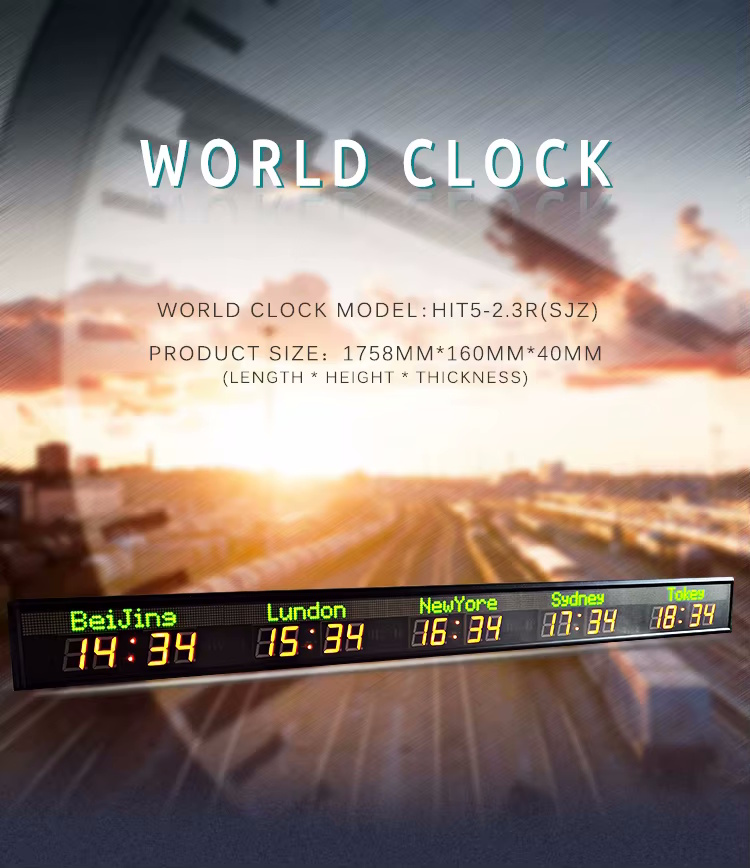

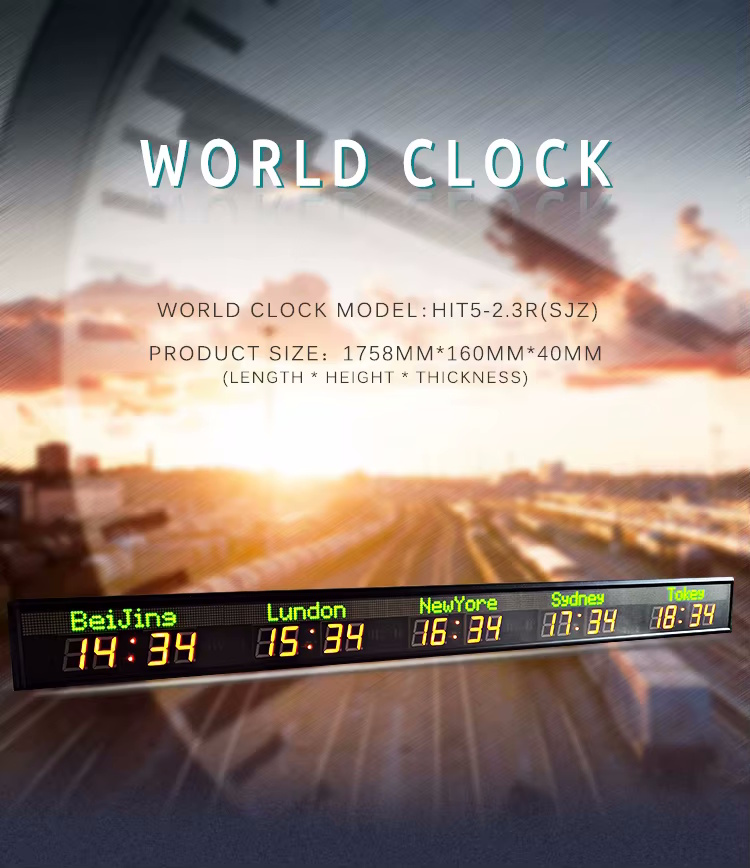
Are you tired of constantly calculating the time difference when scheduling meetings or catching up with friends across the globe? Say goodbye to confusion and hello to the ultimate solution: the Time Zone Clock! This innovative device is designed to keep you in sync with the world, making it easier than ever to manage your time across different time zones.
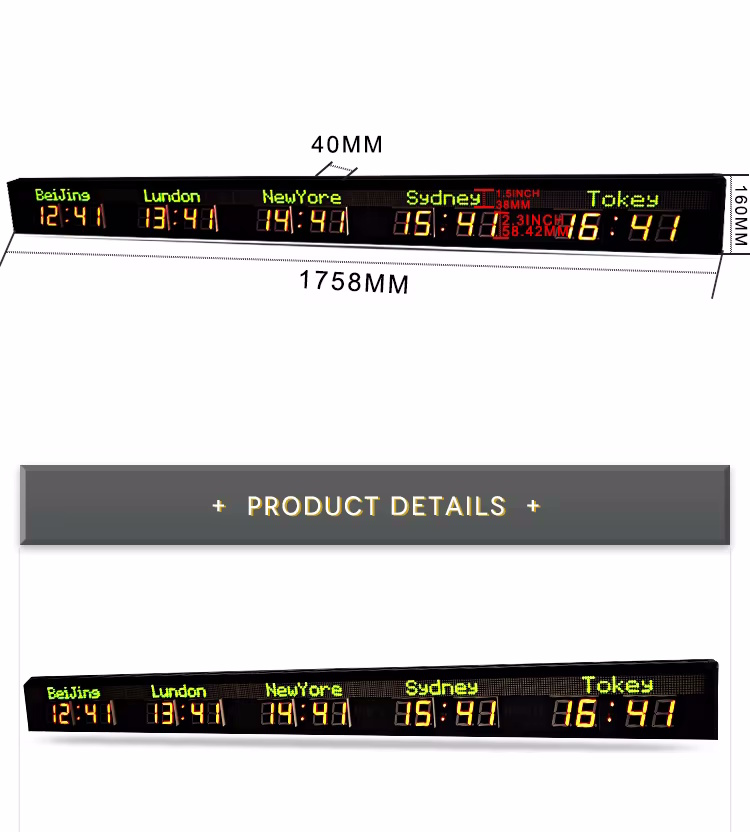
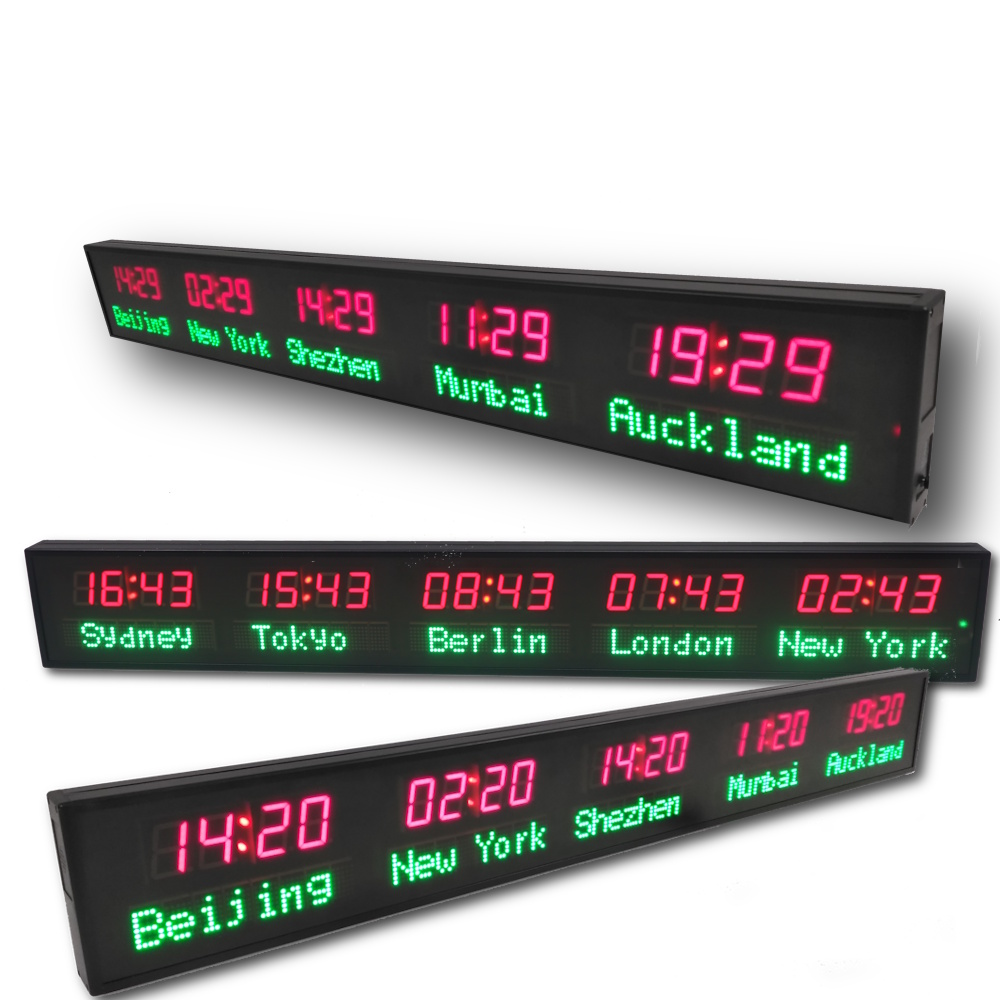
The Time Zone Clock is not just any ordinary clock; it’s a stylish and functional addition to your home or office. With its sleek design and easy-to-read display, you can effortlessly check the time in multiple locations at a glance. Whether you’re coordinating with colleagues in New York, friends in London, or family in Tokyo, this clock has got you covered.
But that’s not all! Our Time Zone Clock comes equipped with Network/Ethernet Timer Packages, allowing you to connect seamlessly to your network. This means you can easily update the time settings and ensure accuracy without the hassle of manual adjustments. Plus, with its user-friendly interface, setting up your preferred time zones is a breeze.
Imagine the convenience of having all your important time zones displayed right in front of you. No more guessing or double-checking! The Time Zone Clock is perfect for busy professionals, frequent travelers, or anyone who wants to stay connected with loved ones around the world.
Upgrade your time management game with the Time Zone Clock today! It’s not just a clock; it’s your personal time assistant, helping you navigate the complexities of global timekeeping with ease and style. Don’t let time zones hold you back—embrace the future of timekeeping with our Time Zone Clock!
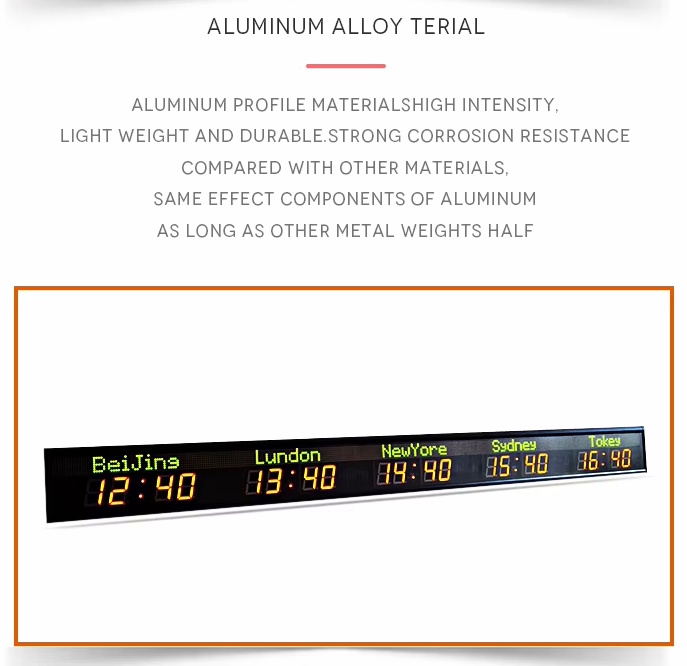
Easy Interface to wifi network control/program from Smart Phone or PC on same network.
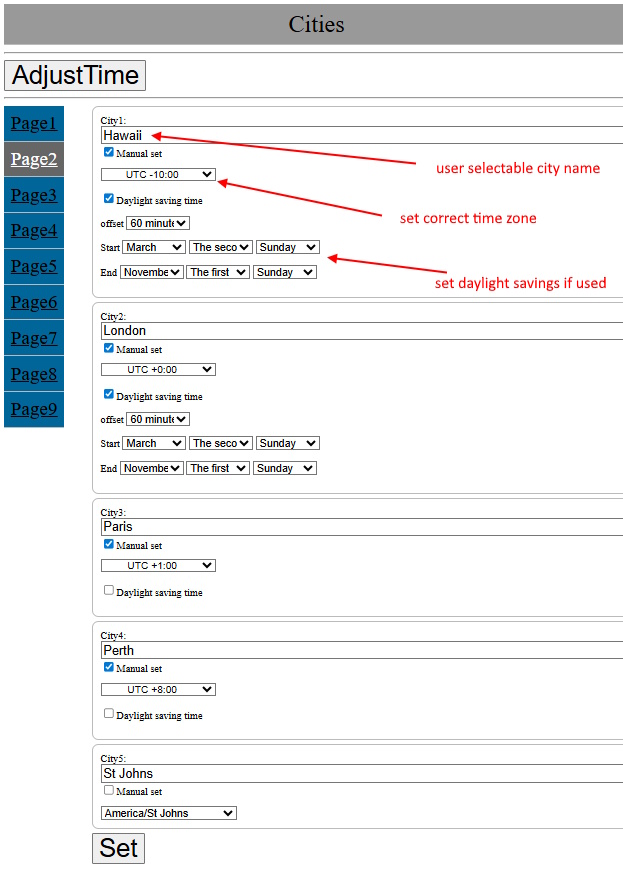
when connected to wifi netqwork your router will assign an IP address to the clock then simply type that IP address into any web browser and the user interface ( built in web page.. no software required) allows you to modify any setting .
Select dhcp or static IP assignment. select internal timer server or external server
Page 2 aloows you to enter 5 city zones of your choice, simply type in name and select proper UTC zone andsave clock will display in order the 5 zones you have selected.